
Play more. Play better. Play together.
Boardie is your game-night buddy. It keeps score at the board game table, then tells you in plain sentences how you actually play, so every game night makes you a little better at the next one.
See how it works
Open on the web. Testing on Android.
Free, with sync included. No account needed to start. On iPhone? Get on the waitlist.
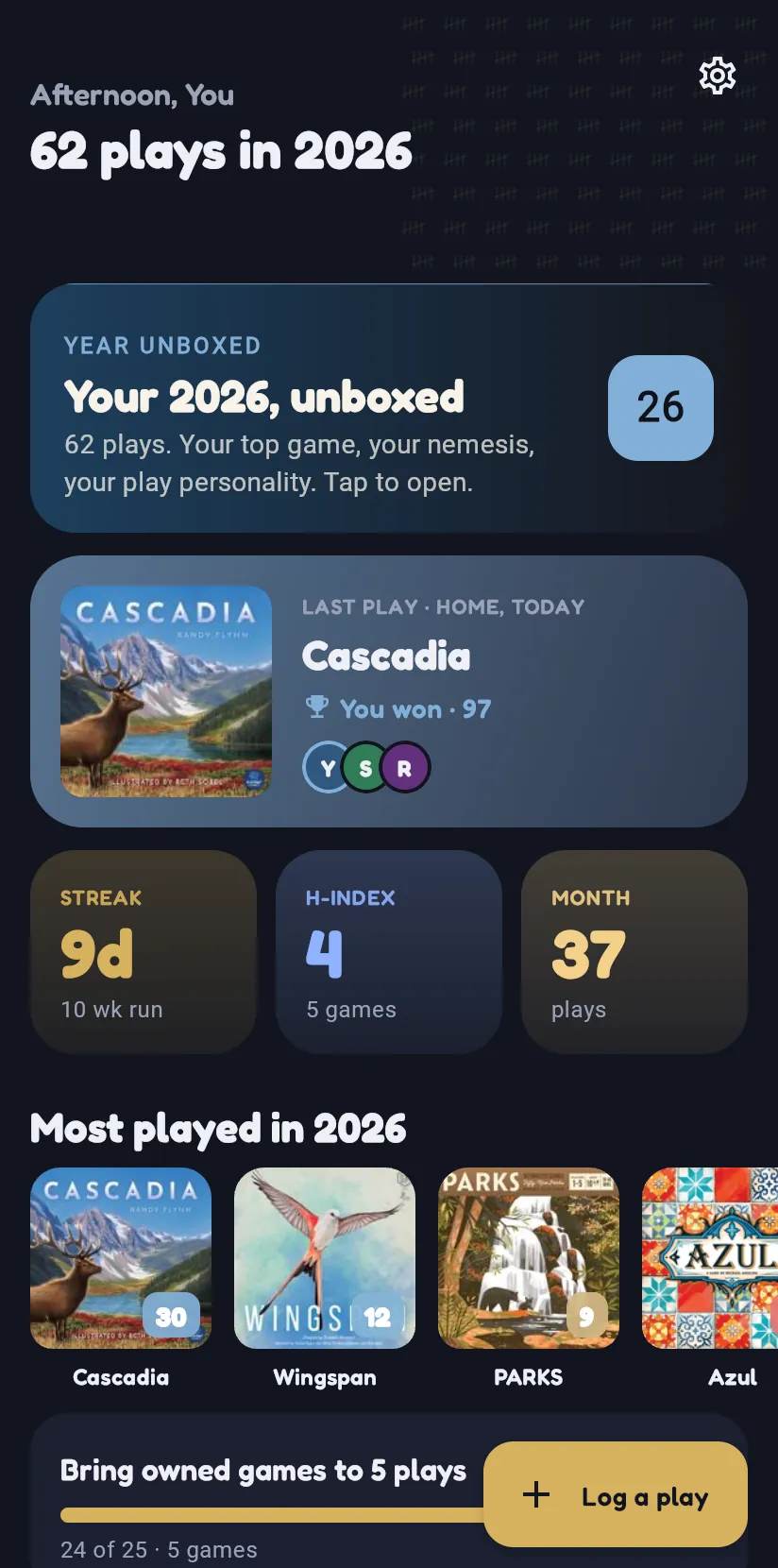
Somebody always ends up holding the pencil
Every table has one, and everybody else waits on their math.
Whoever keeps score is only half playing.
And once the game's over:
- The score sheet ends up in the box, or nobody can find it next time.
- Your log tells you what happened, and never why.
- You lose the same game again and can't say where the points went.
- Your stats are a table of numbers you scroll right past.
Your buddy at the table
The friend at the table who's into the game and always on your side.
Let it be Boardie. It sits at the table with you and pays attention for you. When the box goes back on the shelf, the play is already logged.
Hand over the pencil. You stop being the one stuck keeping score, and you're a player again, one who knows how they play.
Built by a player for his own game nights at home.
It runs the table
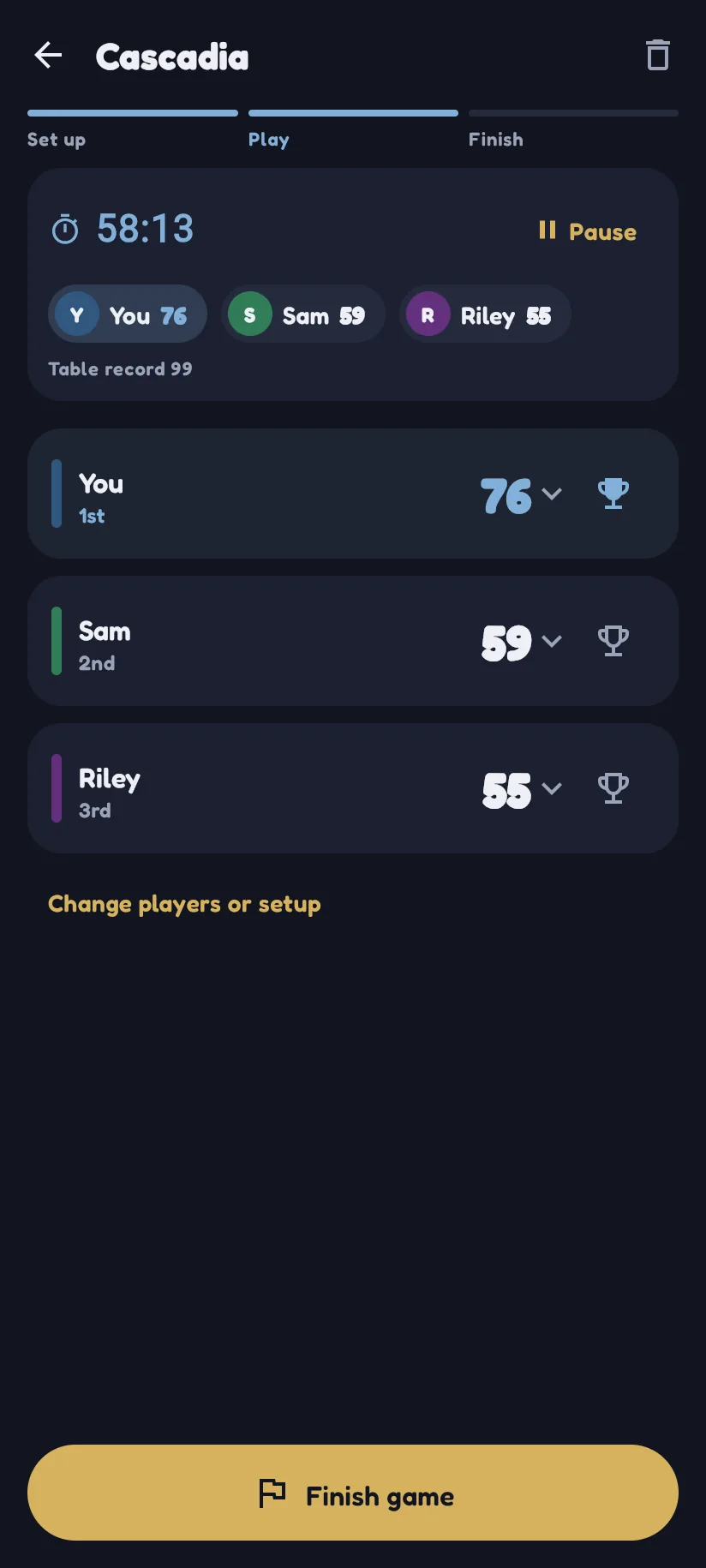
Timer, start player, running totals and ranks, all on one phone in the middle of the table while you play.
It knows how your games score
Score sheets for 33 games, each written from that game's own end-of-game scoring. For anything else on your shelf, you can build your own.
Three steps to knowing how you play

It starts with the game you're already playing tonight.
-
Log it at the table.
One phone keeps the timer, start player, scores and standings where everyone can see them. No account needed, and the Android app works offline.
-
It keeps track of how you score.
Every play fills in where your points come from, category by category.
-
Get one thing worth knowing.
Before your next game, Boardie tells you one plain sentence about how you play it.
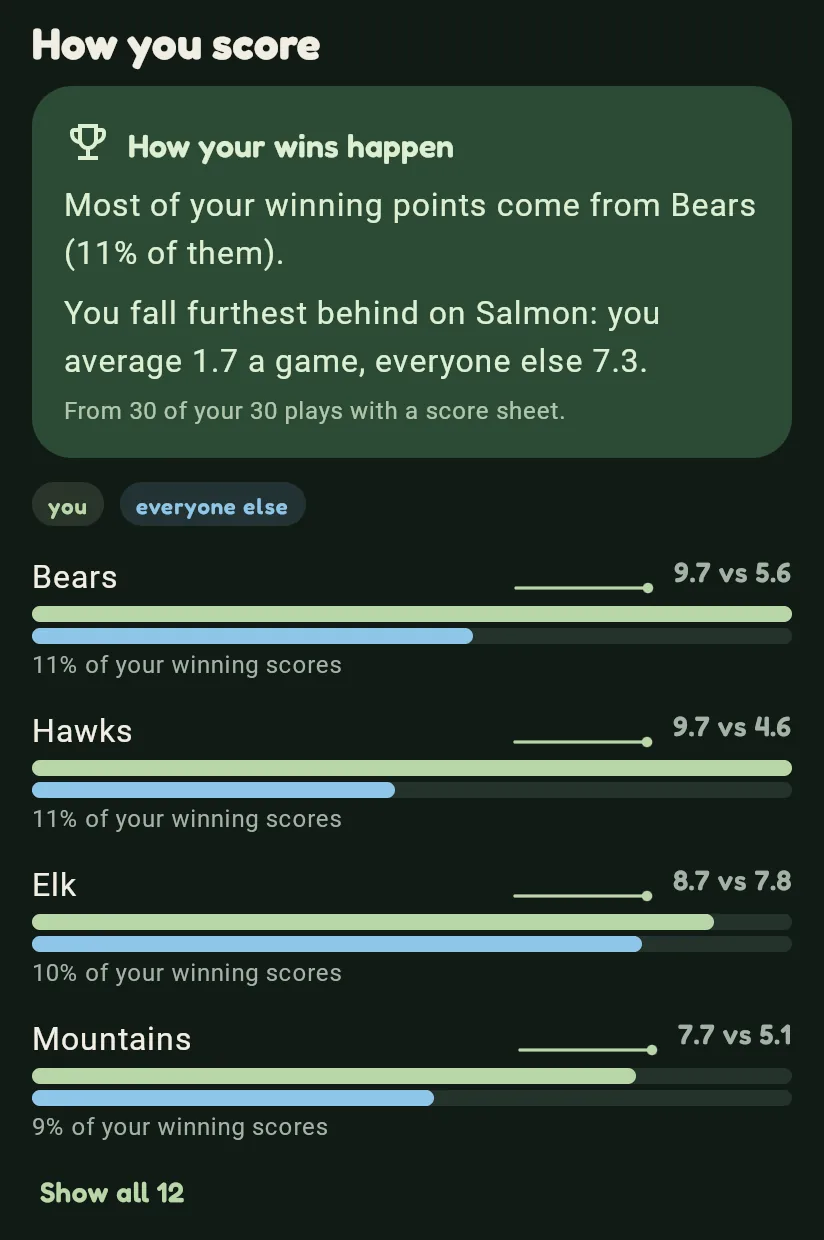
How you score
Name how a game scores, and Boardie starts telling you where your points come from.
Every game gets a kit: the scoring categories from its end-of-game count, under names we wrote ourselves.
After a few plays, How you score lines up every category, you against everyone else at the table, so you can see where you're ahead and where the table gets you.
"You trail the table most in Salmon. That's the easiest points to find."
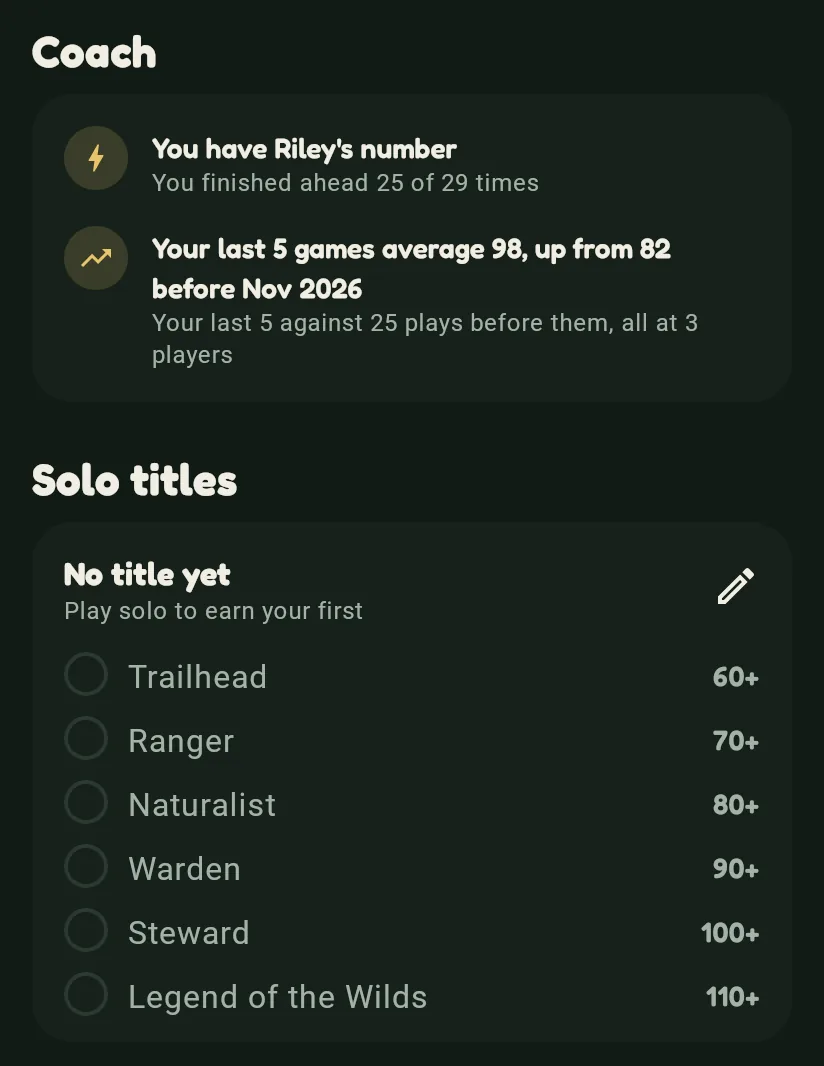
Coach, not counter
The buddy who's been watching leans over with one thing worth knowing.
- Coach reads your own plays of a game and tells you what it notices, in plain sentences.
- Each scoring category gets a small trend line.
- Before the next game starts, you get one tip for that table.
- Coach won't say a word until it has seen at least three plays.
Your last 5 games average 98, up from 82 before Nov 2026
The good nights, kept
The whole table can see the standings while you play.
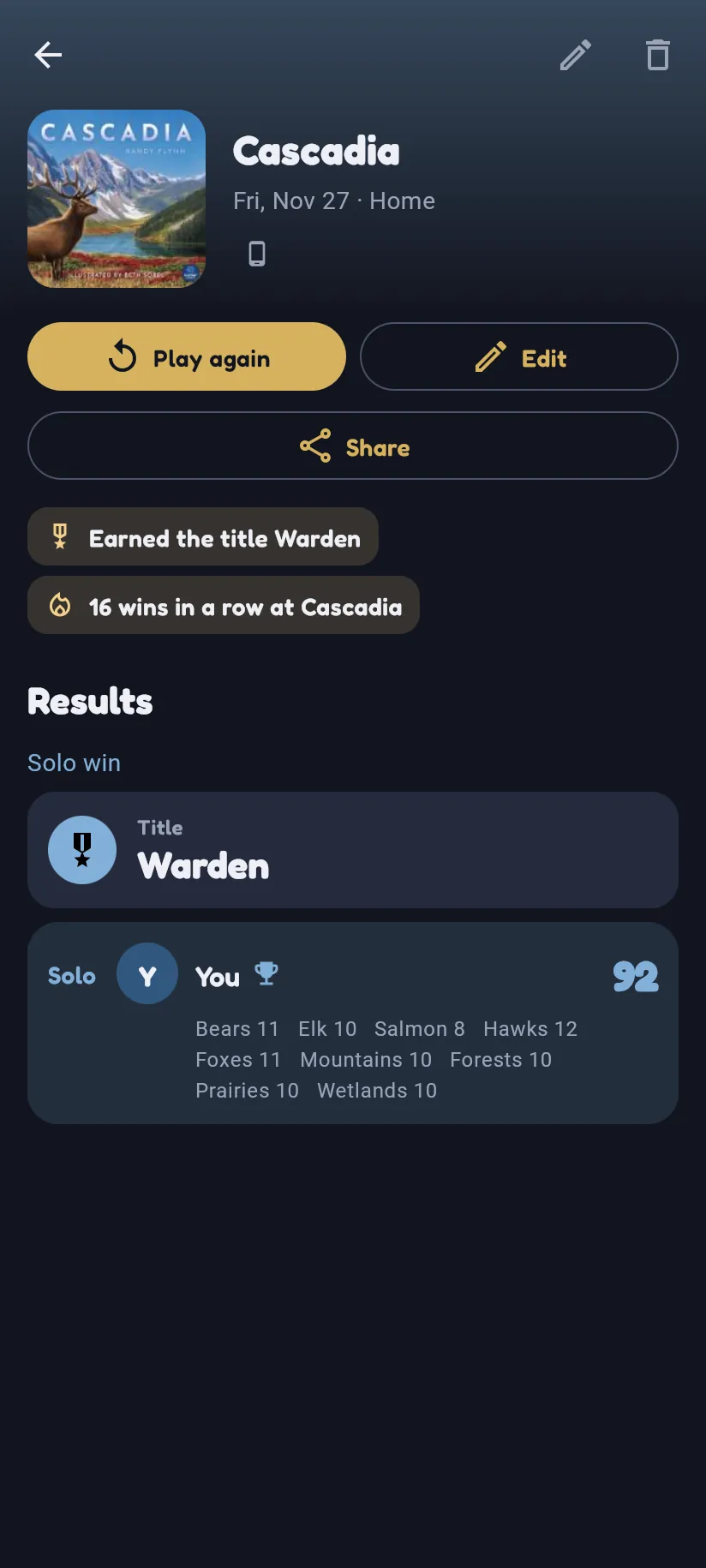
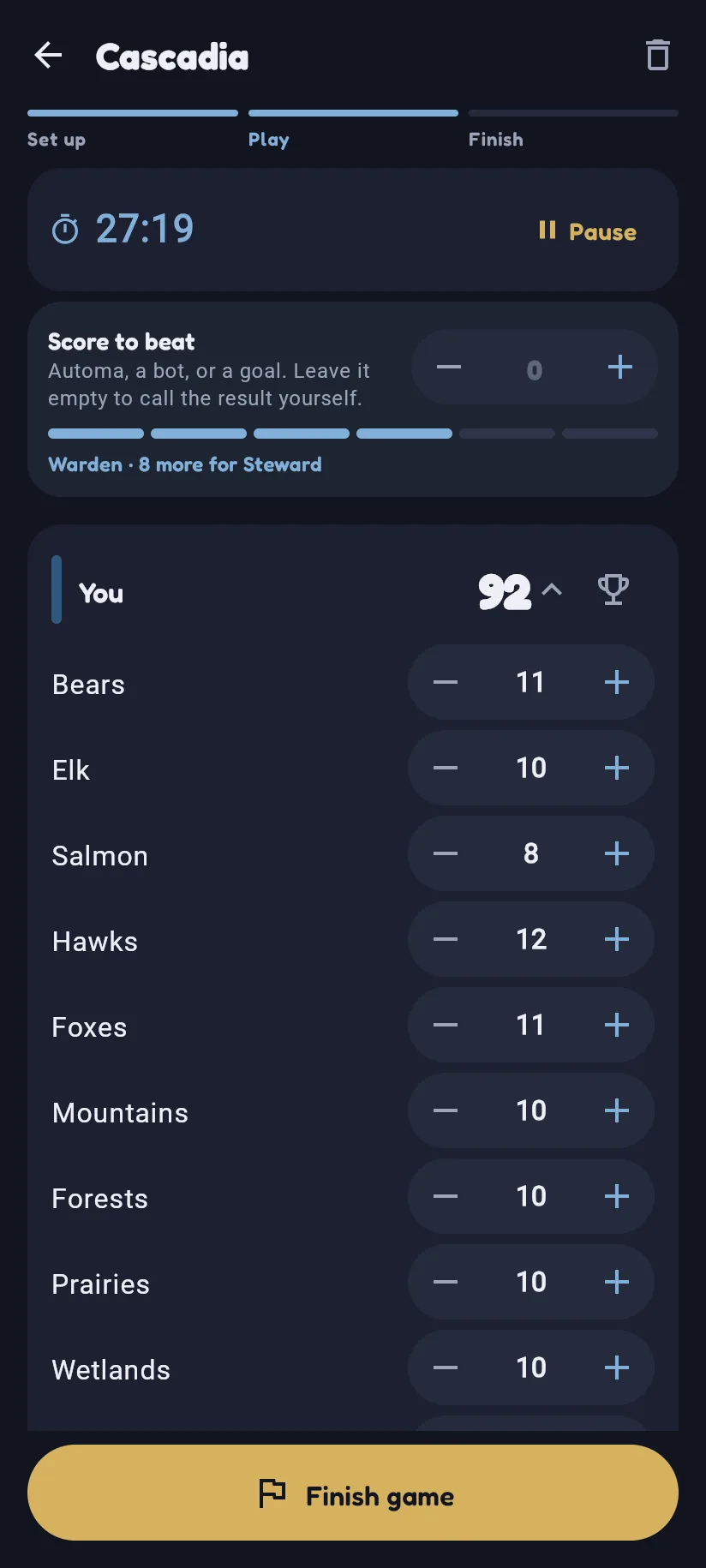
Afterward, Boardie notices the moments worth a second look:
- a personal best
- a first win
- a streak
- a rival finally beaten
- Turn any play into a card for whatever app your group uses.
- Playing solo? Climb a score ladder and earn a title, or set up your own.
- Games you own but haven't played sit on your shelf of shame, and anything untouched for a year gets marked dusty.
- At the end of the year, Year Unboxed turns your plays into a swipeable story.
Designing a game of your own? Playtest tools for designers get their own page.
Sync you can see
Every sync ends with a receipt, not a spinner.
Backup and sync are free for everyone. An account is optional. Without one, your plays stay on the device you logged them on.
- Turn on backup and each play gets a mark: backed up, waiting to send, or only on this phone.
- If your phone and the web disagree about a play, you see both versions side by side and pick one.
- Nothing is merged quietly, and you can undo the last sync.
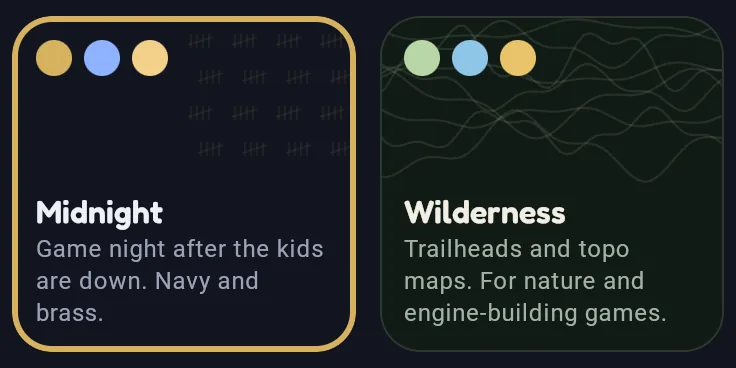
A theme for every game
Open a game and the page dresses for it.
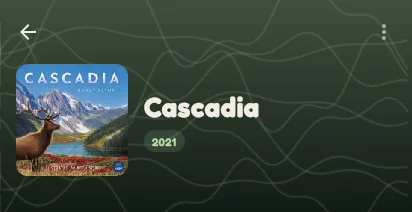
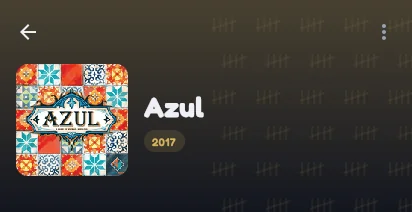
Game pages from the web app, with sample plays. Game images from BoardGameGeek.
The colors come from the game's box, never the artwork, and we check them so the text stays easy to read.
Behind them sits a pattern drawn in code: topo lines, a longship, a star port, a caravan. Right now it's picked from the game's name.
Every edition, one game
Got the new edition and the old one? Stack them so their plays count together.
- Boardie spots likely matches by name and asks before it stacks anything.
- One switch on the game page flips between This edition and Whole family.
- Expansions sit under the game they belong to, and your stats count a family once.
Your plays should tell you something
You keep score anyway. Let it pay you back.
Log tonight's game, and a few plays from now you'll know something about how you play that you didn't know before.
Pull up a chair
Boardie opens in your browser right now, free.

Open it on the web
It opens in your browser with no account. Sign in later if you want your plays backed up.
Open Boardie
Join the test table
Get the Android app through Google Play before it's listed, and tell us what breaks.
Ask for a test invite
On iPhone?
Leave your email and we'll tell you when the iPhone app is ready, or when Boardie shows up in the app stores.
Add me to the waitlistYou've got a seat at the test table
When the test opens, we'll email a link to join on Google Play. Open it on your Android phone with that same Google account, tap to join, and keep the app installed for 14 days. If the group fills before your turn, we'll move you to the waitlist and tell you.
You're on the waitlist
We'll email when Boardie is ready on . Until then, nothing else lands in your inbox. You can use Boardie in your browser anytime. Open Boardie
FAQ
Is it free?
Yes. Boardie is free, with sync included.
What can I use it on?
Your web browser, right now. Open Boardie and you're at the table. The Android app is in a small test on Google Play. iPhone isn't ready yet, so join the waitlist.
Do I need an account?
No. You can log a game with no account at all, and the Android app works offline. An account is optional and free, and it backs up your plays.
What does a tester actually do?
Install the test app from Google Play, bring it to your real game nights, and tell us what's confusing or broken. Google asks testers to stay opted in for 14 days in a row.
Can I bring my old plays?
We've asked BoardGameGeek for access, and importing from there turns on once they say yes. Already log plays in BG Stats? You can import a backup file from it. Boardie isn't affiliated with BG Stats.
Where do Coach's sentences come from?
From your own plays of that game, and nothing else. Coach runs a fixed set of checks over your history and puts what it finds into a plain sentence. It stays quiet until it has at least three plays to go on.
Is this a BoardGameGeek app?
No. Boardie uses game details from BoardGameGeek and isn't affiliated with BoardGameGeek.